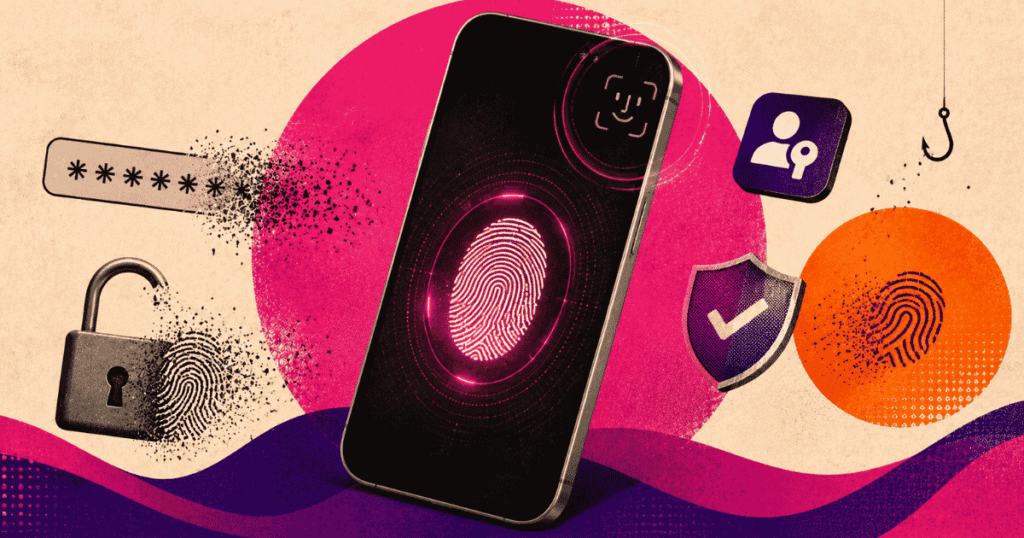

Passwords are a problem most people know they have and almost no one fixes. The same credentials get reused, recycled, and occasionally stored in a notes app. On World Password Day 2026, Google published a reminder of five tools it says can make this easier to address, and most of them are already built into your Google Account.
The most significant of the five is passkeys.
What a passkey actually is
A passkey replaces your password with your device’s built-in authentication: a fingerprint, face scan, or screen lock PIN. You sign in the same way you unlock your phone. There is no password to remember, type, guess, steal, or reuse.
Google launched passkeys for Google Accounts on World Password Day in 2023. According to Sriram Karra, Group Product Manager for Google Identity and Engagement, and Claire Forszt, Product Manager at Google Identity and Engagement, passkeys are now supported across many websites and apps, and are described as the most secure sign-in method currently available because no one else can guess or reuse them.
One concern people raise about biometric authentication is where that data goes. Google’s answer is that it does not go to Google. Your fingerprint or face scan is stored on your personal device and never transmitted.
For South Africans, this matters beyond convenience. Phishing attacks, credential stuffing, and account takeovers are growing problems locally. A sign-in method that cannot be phished, because there is no password to hand over, removes an entire category of risk.
To set up a passkey, go to myaccount.google.com.
The other four tools
Passkeys are the headline, but the broader advice from Karra and Forszt covers four additional layers of account security.
2-Step Verification remains relevant even if you use a passkey. If someone attempts to impersonate you and claims to have lost your passkey, 2SV provides a second line of defence. It can be set up through your Google Account settings.
Recovery Contacts allow you to nominate up to 10 people who can help verify your identity if you are locked out of your account. Google will send them a prompt or email to confirm it is really you. Your recovery contacts have no access to your account or personal information at any point.
Sign in with Google reduces the number of passwords stored across different apps and services. Instead of creating a new username and password for each platform, you authenticate through your Google Account. If another platform suffers a security breach, your Google credentials are not exposed. You can review and remove app access at any time.
Google Password Manager handles the cases where neither passkeys nor Sign in with Google is available. It creates strong passwords, saves them, syncs them across your devices, and autofills them when needed. It also stores passkeys.
Why this is worth doing now
The five tools exist on a spectrum from the most secure and future-facing (passkeys) to the most immediately practical (Password Manager). None of them require technical knowledge to set up, and most take a few minutes.
The gap between knowing your password hygiene is poor and actually changing it tends to be inertia. Google’s World Password Day push does not introduce anything new, but it is a reasonable prompt to close that gap.
Start at myaccount.google.com.